
Doing deliveries
Going online
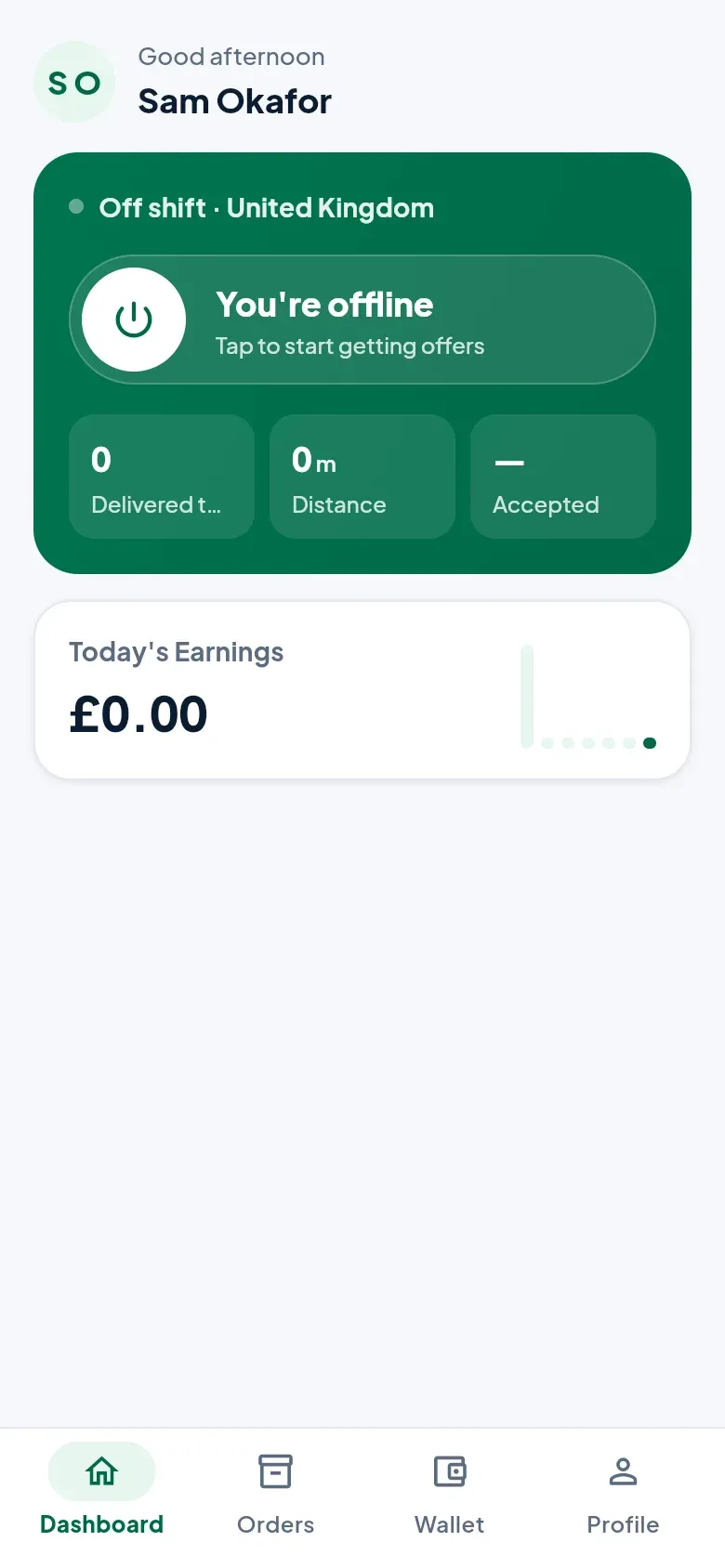
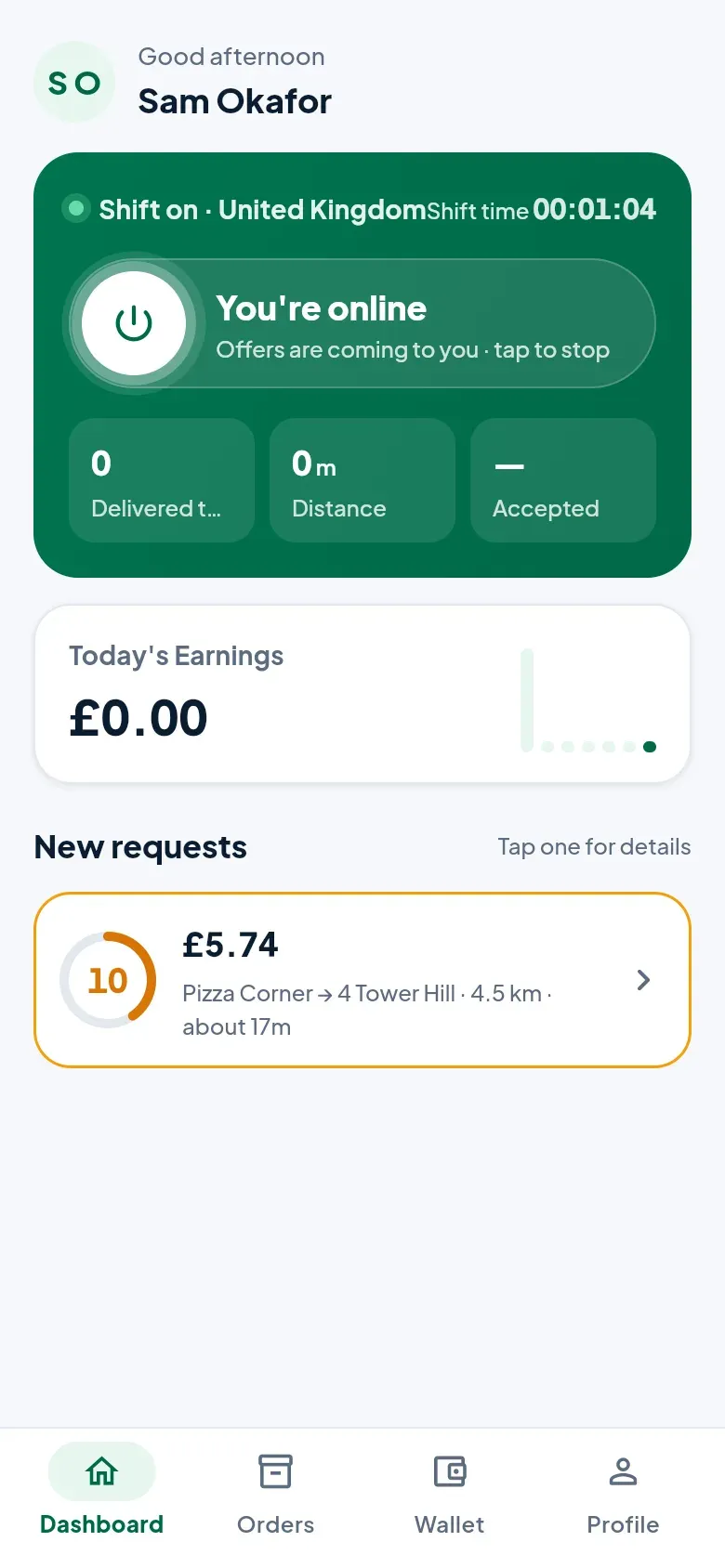
Section titled “Going online”There are no shifts to book. On the Dashboard, tap the power button to go online and start getting offers; tap it again to stop. While you’re online the dashboard shows your shift time, today’s deliveries, distance and how many offers you accepted.
Taking an offer
Section titled “Taking an offer”When a delivery near you comes in, it appears under New requests with a countdown. Tap it to see the details:
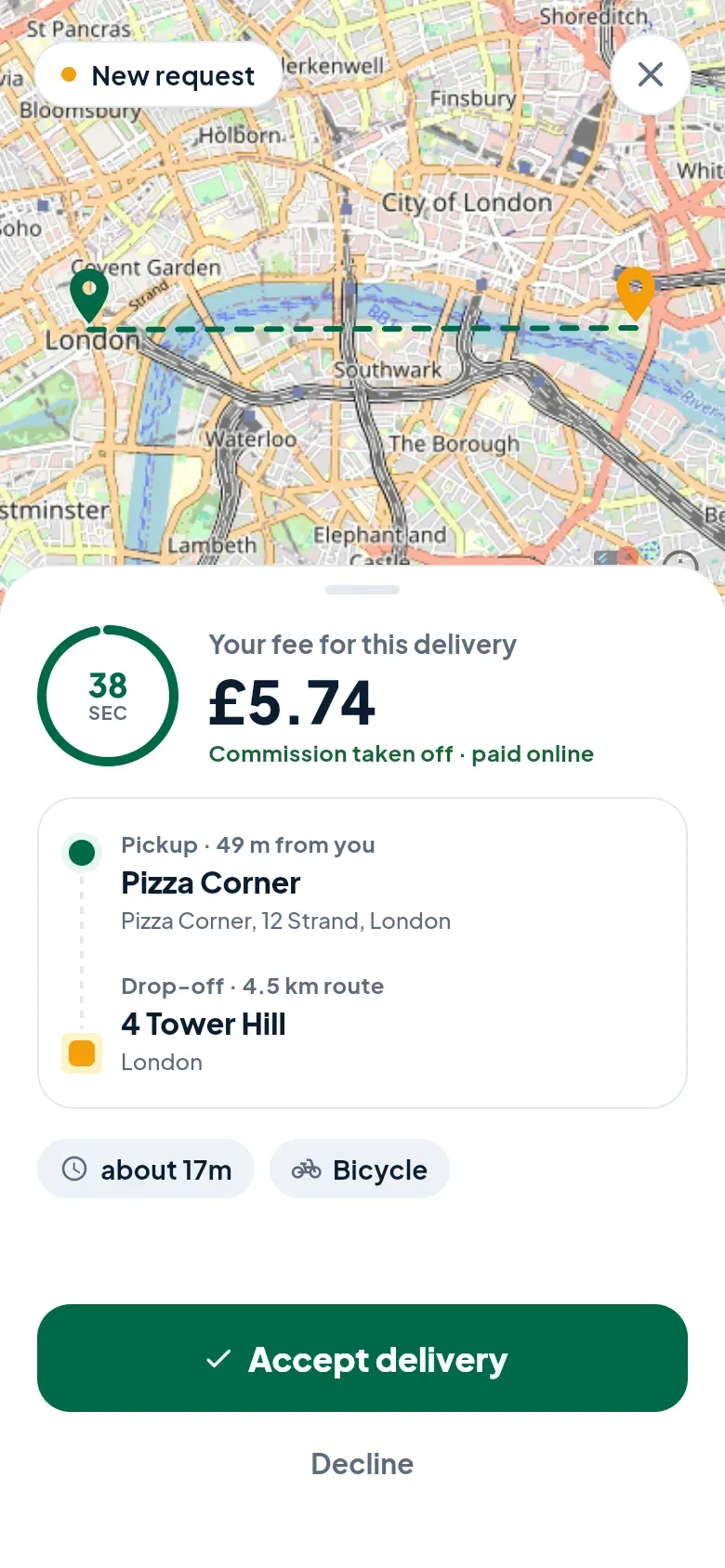
- Your fee — what you earn for this delivery, with our commission already taken off.
- Pickup — the shop, and how far it is from you.
- Drop-off — where it goes, and the length of the route.
- How long it should take, and the vehicle it’s for.
You have 30 seconds. Tap Accept delivery to take it, or Decline. If someone else accepts first, it disappears — nothing more to do. You’re offered one delivery at a time.
The delivery
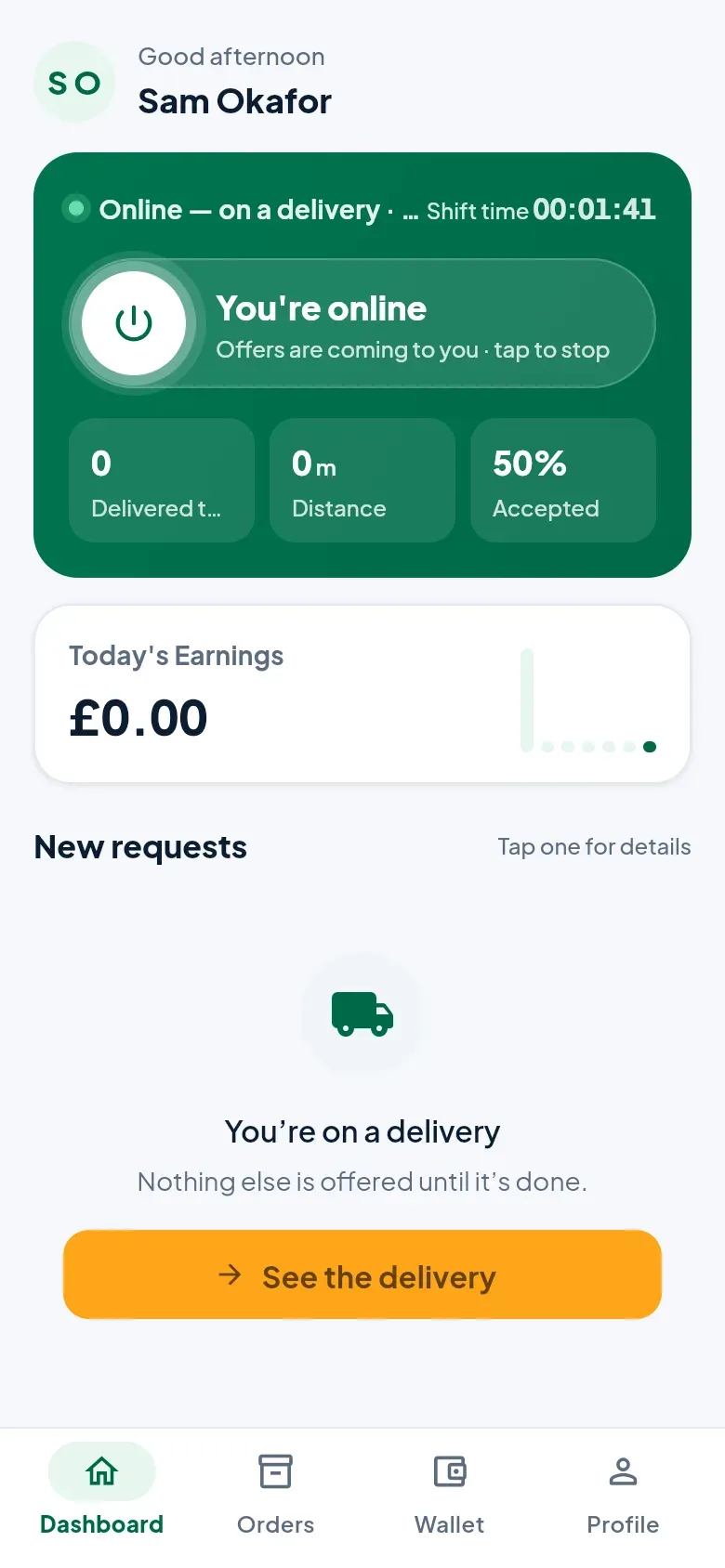
Section titled “The delivery”Once you’ve accepted, tap See the delivery. The screen walks you through it step by step.
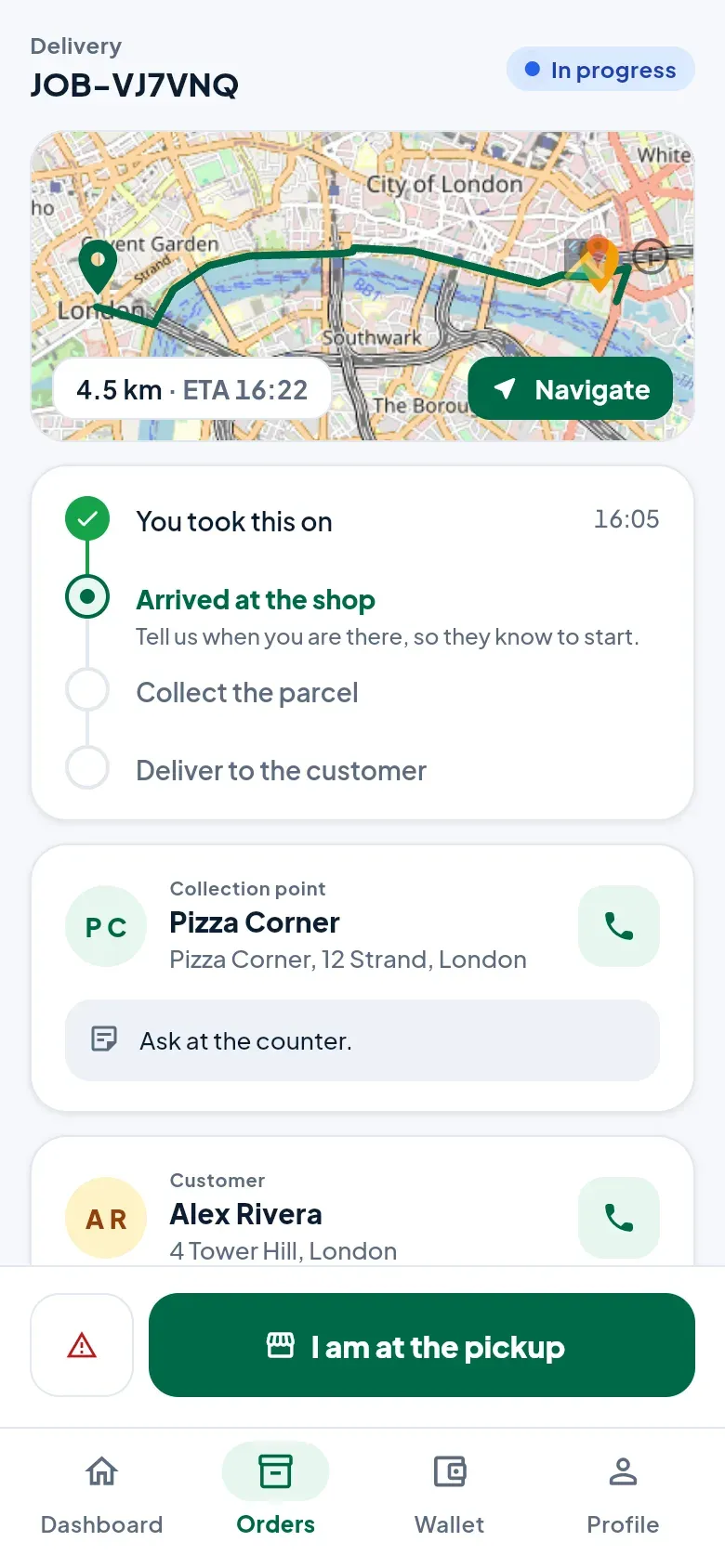
- Go to the shop. Navigate opens the route in your maps app. When you get there, tap I am at the pickup, so the shop knows to hand it over.
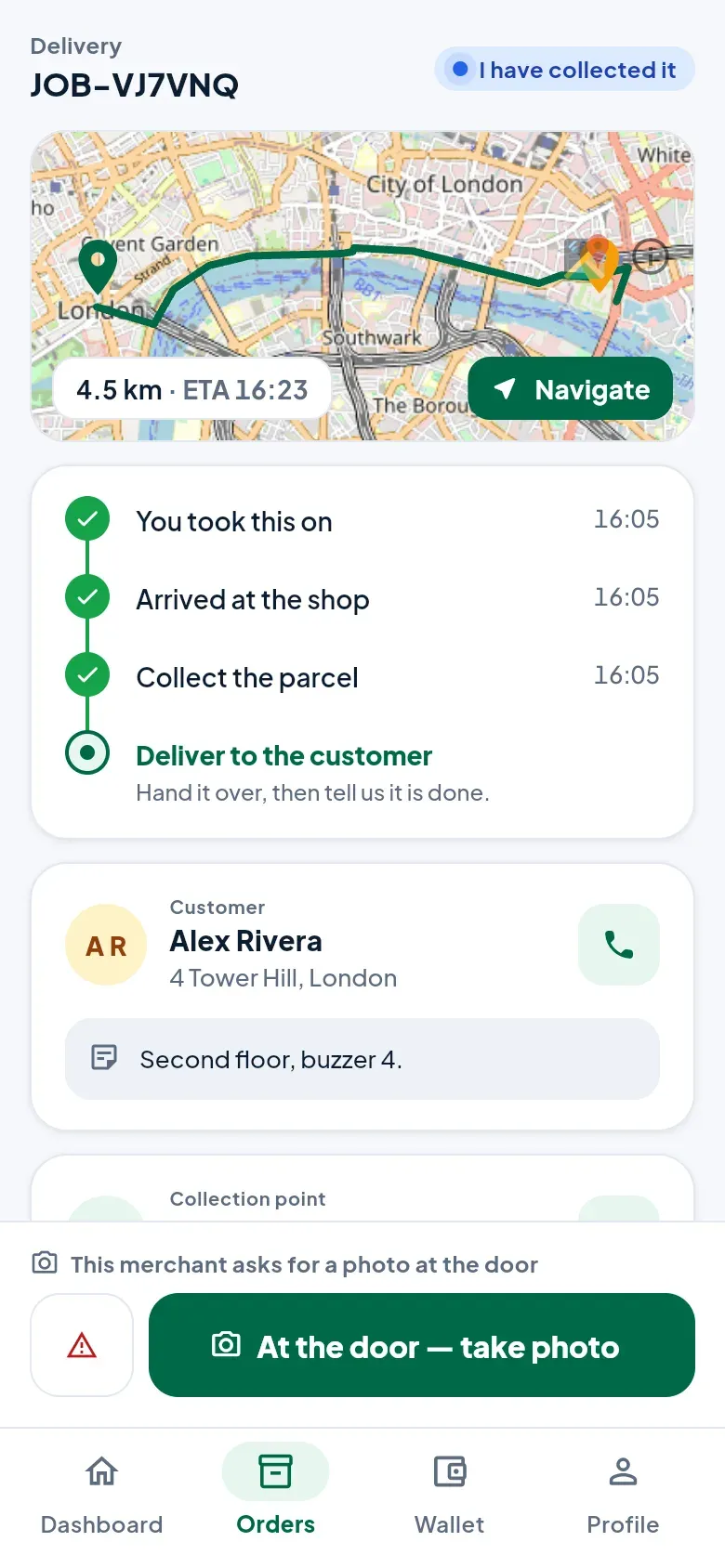
- Collect it. Check the order against the list on the screen, then tap I have collected it. If the shop asked for it, the customer is texted their tracking link now.
- Take it to the customer. Their address, phone number and notes are on the screen. The phone button calls them.
- At the door. Tap the big button at the bottom to record the delivery.
Proof at the door
Section titled “Proof at the door”The shop decides what you need to bring back, and the screen tells you: a photo, a signature, or both.
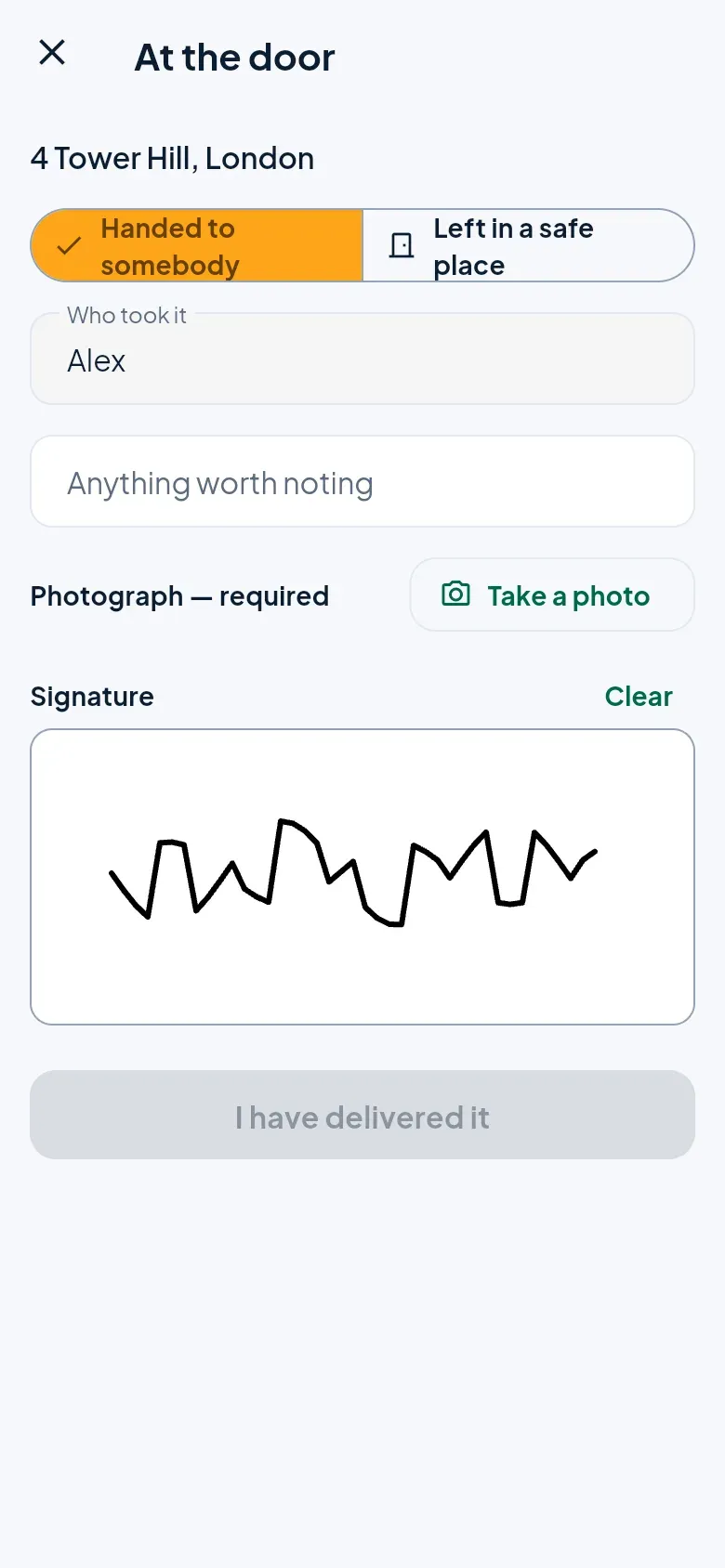
- Handed to somebody — type who took it, and get their signature on the screen if it’s asked for.
- Left in a safe place — always needs a photo and a note saying where. Not allowed when the shop asked for a signature.
Then tap I have delivered it. The fee goes into your wallet.
When something goes wrong
Section titled “When something goes wrong”Tap the warning button beside the main button, or Report a problem.
- Call the shop or Text the customer — most problems are a locked door.
- Hand it back — if you can’t do the delivery after all, before you’ve collected it. It goes back to other couriers. For a short while after you accept, the button says no penalty yet.
- Nobody there — take it back — if you can’t hand it over at the door. Take a photo of the door and bring it back to the shop. When it’s on their counter, tap Yes, handed back. You’re paid for both legs.