
Your account
Billing and Team are for owners. Everyone can open Settings, but only owners can change what’s on it.
Billing
Section titled “Billing”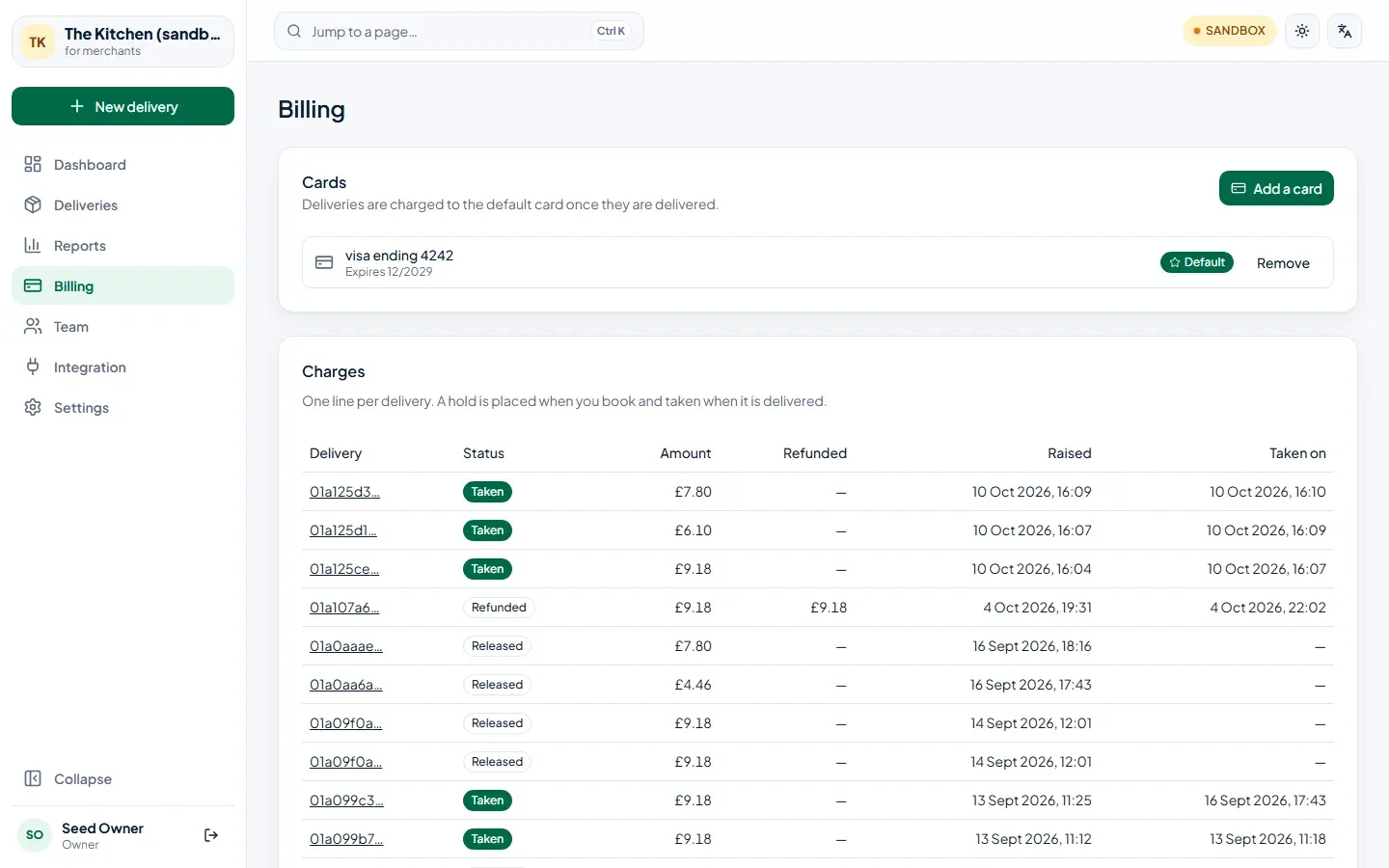
Cards. Deliveries are charged to your default card. Choose Add a card — your bank may ask you to confirm — and Make default on the one to use. The card number goes to our payment provider, never to us. Add a card before your first delivery.
Charges. One line per delivery:
| Status | Meaning |
|---|---|
| Held | Set aside when you booked. Not yet taken. |
| Taken | Charged, once the delivery arrived. |
| Released | The hold was let go — the delivery was called off or failed. You paid nothing. |
| Declined | Your bank refused. Check the card, or add another. |
| Refunded | Taken, then given back. |
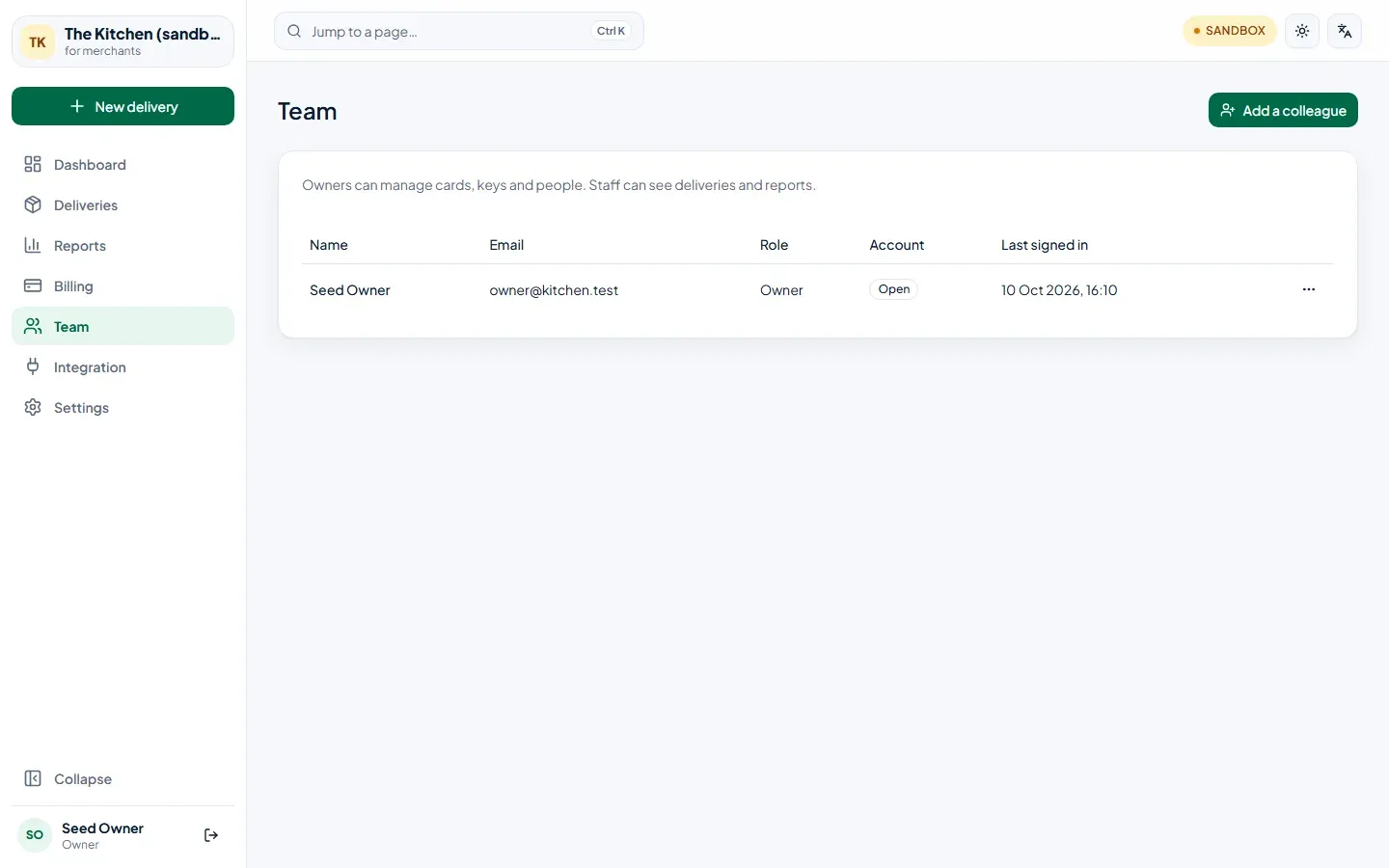
Add a colleague gives someone their own sign-in. Choose owner or staff (see Owners and staff) and set their first password — give it to them yourself; it’s never shown again, and they can change it.
From the ⋯ menu beside a person you can change their role (it takes effect within fifteen minutes), set a new password (which signs them out everywhere), or close their account.
Settings
Section titled “Settings”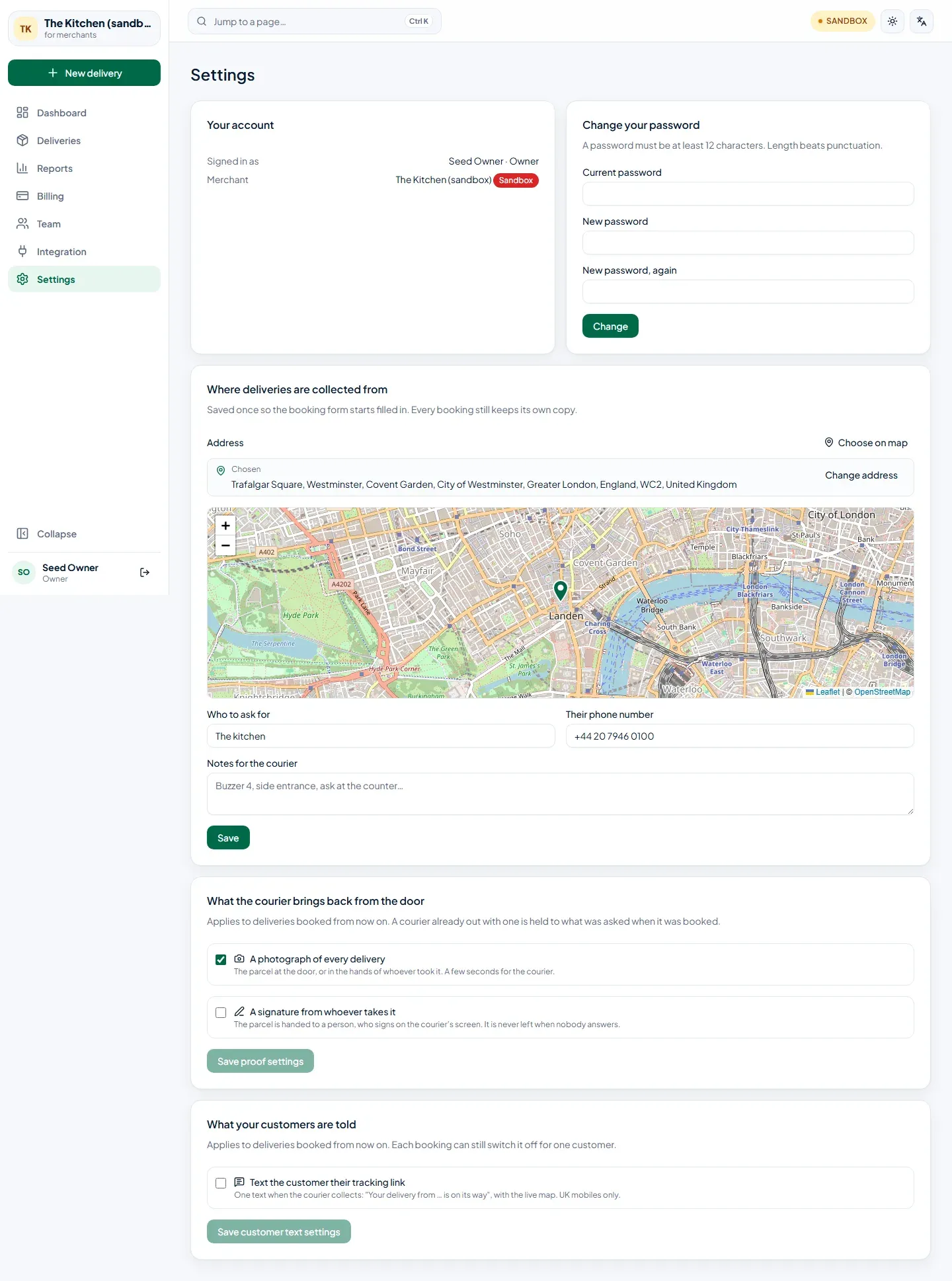
- Change your password. At least 12 characters. Length beats punctuation.
- Where deliveries are collected from. Saved once, so every new delivery starts with it filled in. Each booking keeps its own copy, so changing it doesn’t affect deliveries already booked.
- What the courier brings back from the door. A photograph of every delivery, a signature from whoever takes it, or both. With a signature required, a parcel is never left when nobody answers. This applies to deliveries booked from now on.
- What your customers are told. Text the customer their tracking link when the courier collects. You can still switch it off for one delivery when you book it.